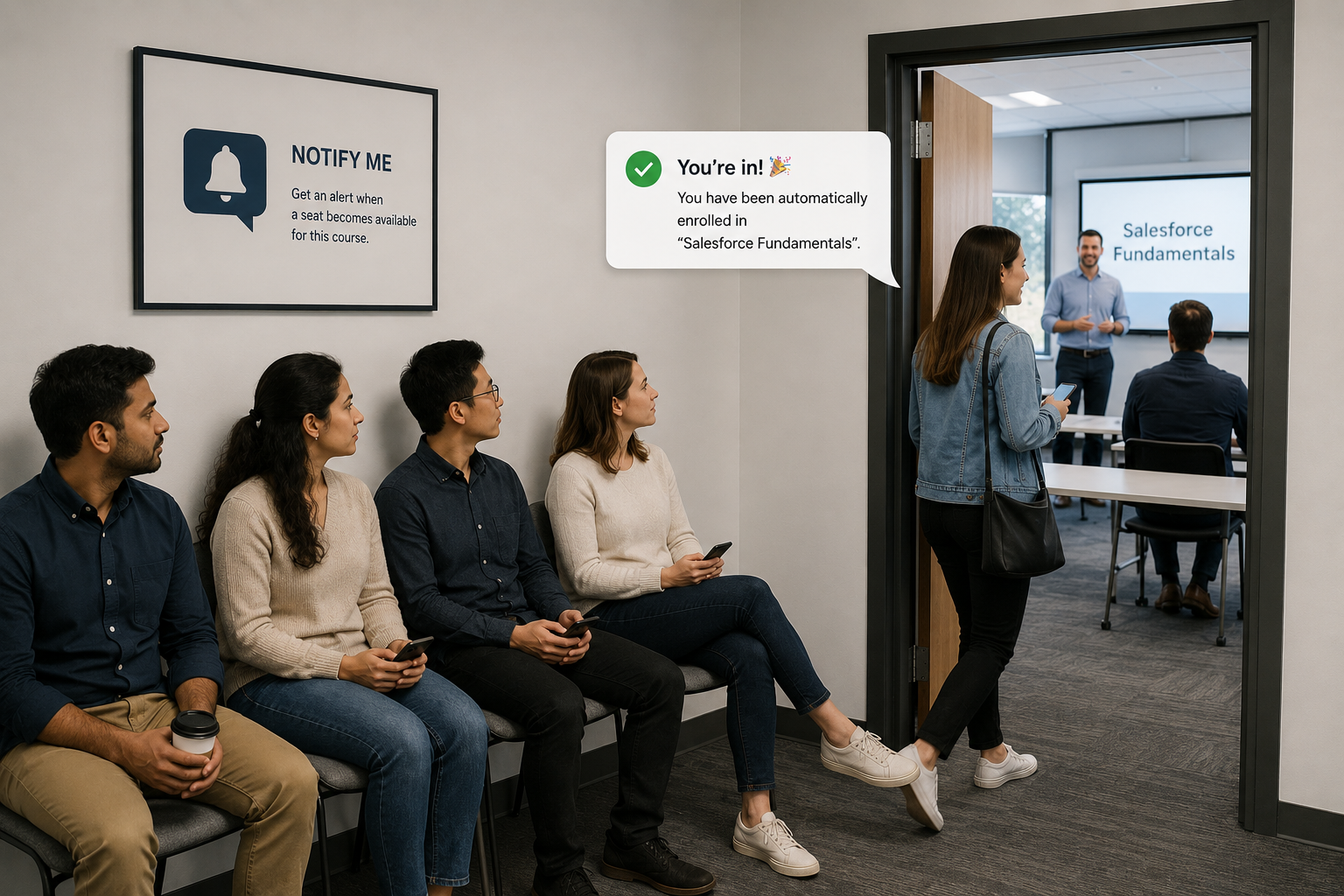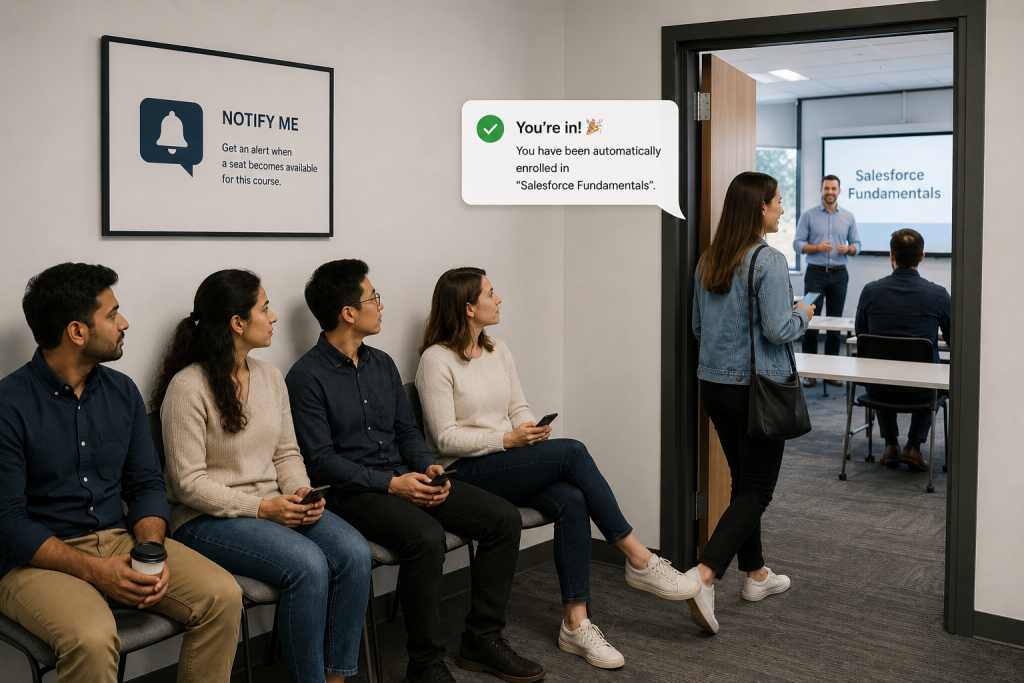
An empty seat in a training session is more than a missed opportunity – it’s a sunk cost. Traditional waitlists are passive, slow, and prone to “no-shows.” To maximize your ROI, you need to stop managing queues and start managing engagement. Here is why the “Notify Me” model is a game-changer for Salesforce-based learning.
If you run in-person training courses, keeping sessions close to capacity is essential. Full courses maximize ROI, reduce wasted instructor time, and improve operational efficiency. But even when courses are well planned, cancellations happen and that creates the familiar challenge of managing a training course waitlist.
The real difficulty isn’t just filling empty seats. It’s managing expectations, fairness, and timing in a way that works for both administrators and learners.
The High Cost of Passive Training Waitlists
A standard waitlist model looks simple on paper: Course is full -> Learners join a waitlist -> A cancellation occurs -> The next person in line gets the seat.
In reality, things are far messier:
- The first person on the list may no longer be available.
- Email notifications may be missed or ignored.
- Strict ordering can feel unfair to learners further down the list.
- “Allocated but not attended” seats still lead to empty chairs.
This creates inefficiencies in course booking systems and learning management systems (LMS).
“Waiting” vs. “Notify Me”: A Psychological Shift for Higher Attendance
One of the most effective improvements comes from a surprisingly simple change in language. Instead of calling it a “Waiting List”, the system is reframed as a “Notify Me List.”
This small change resets expectations:
- “Waiting” implies priority or entitlement.
- “Notify Me” implies awareness, not guaranteed access.
- It subtly changes behavior and reduces frustration in training course waitlist management systems.
Case Study: Solving Last-Minute Cancellations with Salesforce Flow
Scenario: A company runs in-person training sessions using Learnsmarter. A course is fully booked, but a participant cancels 24 hours before delivery.
Improved “Notify Me” approach:
- The cancellation triggers a Salesforce automation workflow.
- All users on the Notify Me list receive a notification.
- Each user is informed they can claim the available seat.
- The first person to accept secures the place.
- The system updates the course record instantly in Learnsmarter.
Outcome:
- Learners actively confirm attendance.
- Reduced no-shows for last-minute allocations.
- Improved fairness perception and faster resolution.
Choosing Your Strategy: 4 Automated Waitlist Models in Learnsmarter
Because Learnsmarter is built on Salesforce, organizations can design different automation strategies:
- First-come, first-served: All eligible learners are notified at once.
- Sequential notification: Users are contacted one at a time by priority.
- Time-window response: Users have a defined period to accept before the next person is contacted.
- Hybrid smart automation: Combines engagement tracking and response times.
Building a More Responsive Learning Culture
By moving from passive waiting to active choice, learners take responsibility for confirming attendance and expectations are clearer from the start. This improves the overall experience in learning management systems (LMS) for corporate training.
Waitlist management is more than a scheduling problem – it’s a behavioral and communication challenge. By shifting from a “Waiting List” to a “Notify Me” system, organizations can improve fairness and attendance outcomes. When combined with the flexibility of Learnsmarter on Salesforce, this creates a more intelligent approach to LMS automation.
Don’t let cancellations weaken your training ROI
Automate your waitlists and keep your classrooms full. Book your Learnsmarter Demo to see our “Notify Me” workflows in action.