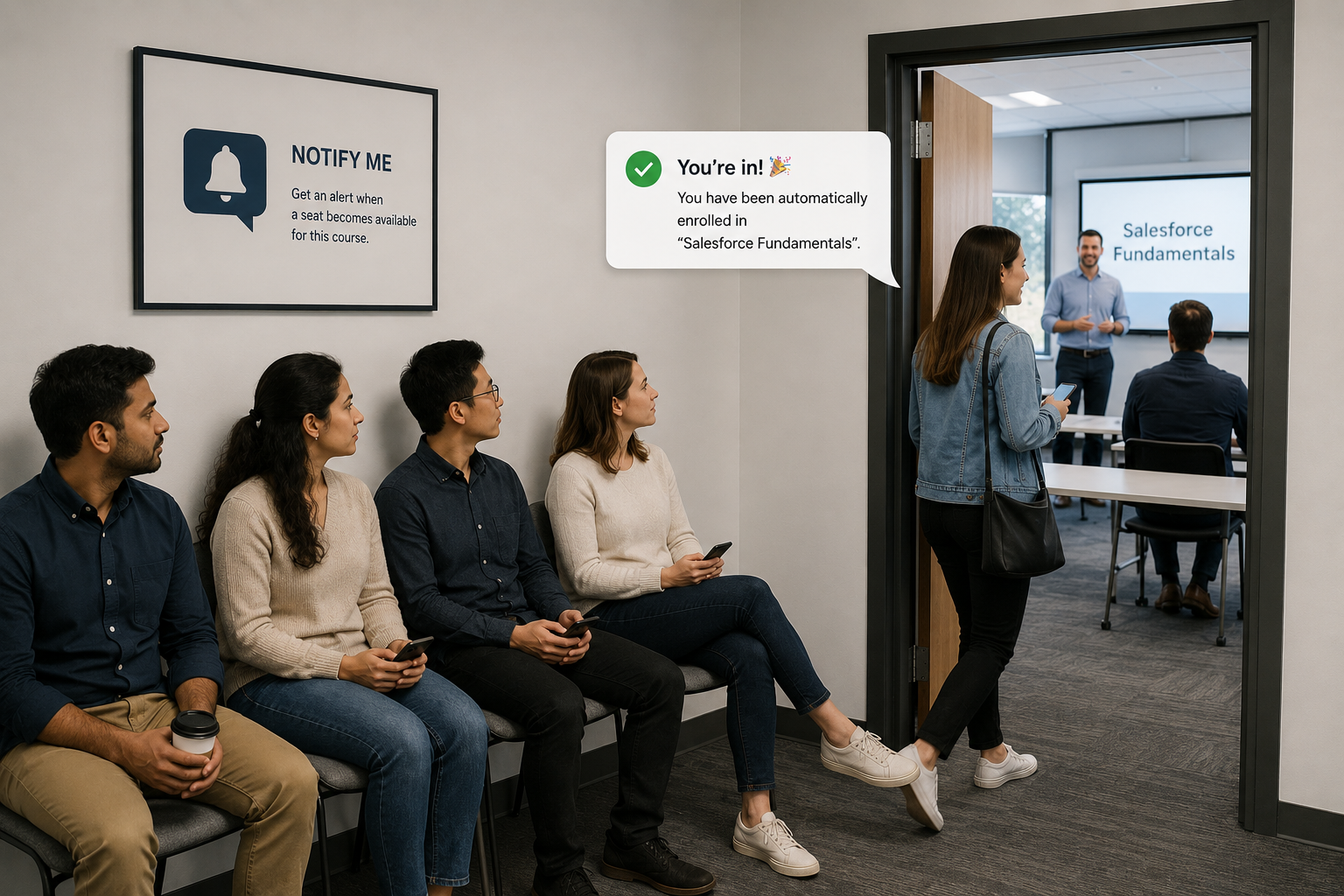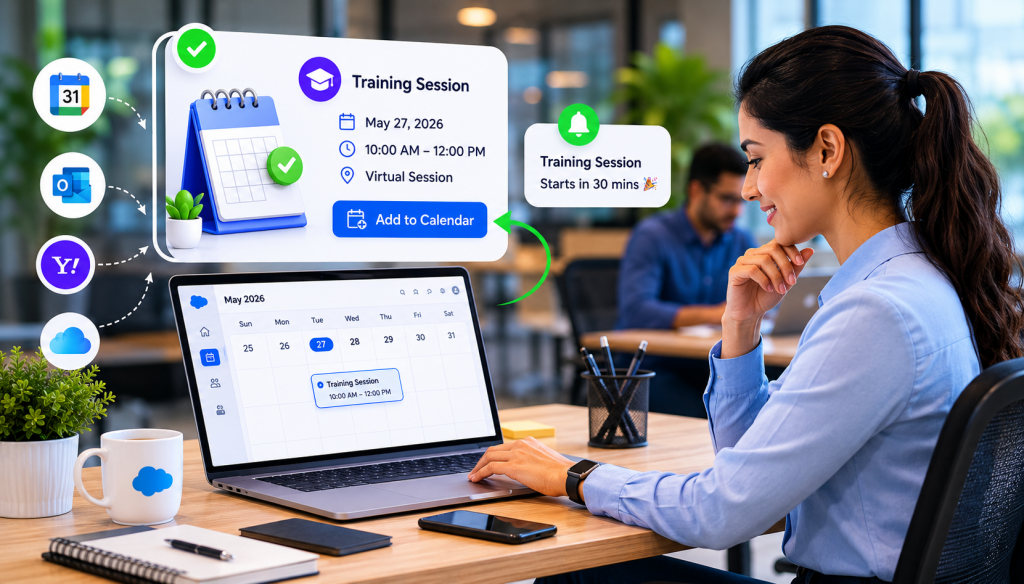
The success of any training program relies on one simple factor: people actually showing up. When scheduling is manual, sessions get buried in inboxes and forgotten. By implementing seamless calendar integration, you bridge the gap between registration and participation. Automating this process ensures your training is visible exactly where your employees spend their day – their calendar drastically reducing no-shows and administrative overhead.
Managing training sessions across teams can quickly become complex—missed schedules, manual calendar entries, and scattered communication often lead to low attendance and poor learner engagement. Learnsmarter solves this with a streamlined training workflow and enhanced calendar integration, making it easier for both administrators and learners to stay organised and connected.
The Challenge: Missed Sessions and Disconnected Learning
Many organisations still rely on manual processes to manage training schedules. This often results in:
- Missed or forgotten sessions.
- Confusion around session timings and locations.
- Low engagement and participation rates.
Even well-planned training programs can fail if learners don’t have a simple way to stay on track.
The Learnsmarter Solution
Learnsmarter simplifies the entire training lifecycle – from course creation to learner participation while introducing one-click calendar integration to eliminate scheduling friction.
See how you can get those key dates into all your learners’ calendars
How Training Works in Learnsmarter
1. Structured Course and Session Setup
Admins or trainers create a course and define a course version (e.g., Summer Training).
Under this, they schedule sessions by adding:
• Date and time
• Location (for in-person training) or virtual meeting link
• Capacity and waitlist limits
This ensures every session is well-organized and ready for learners.
2. Seamless Learner Registration
Learners can browse available sessions and register directly through the community portal. The process is quick, intuitive, and accessible from anywhere.
3. One-Click Calendar Integration (Key Feature)
Once registered, learners can instantly add the session to their preferred calendar:
• Google Calendar
• Outlook
• Yahoo
• iCloud
This removes the need for manual entry and ensures learners always have the correct session details at their fingertips.
4. Easy Session Access
At the scheduled time:
• Learners can join virtual sessions with a single click
• Access location details for in-person sessions
Everything is centralized, making the experience smooth and hassle-free.
5. Continuous Learning and Engagement
Beyond the live session, learners can:
• Access training materials (PDFs, rich content, quizzes)
• Participate in discussions
• Collaborate with peers and trainers
This creates a more engaging and interactive learning environment.
6. Feedback and Continuous Improvement
After completing the training, learners can provide ratings and feedback, helping organizations improve future sessions and learning outcomes.
Use Case: Corporate Training Across Global Teams
SCENARIO
A global company runs frequent training sessions for employees across multiple regions and time zones.
The problem:
• Employees manually added sessions to calendars
• Frequent no-shows due to missed invites
• Confusion around time zones and session links
The solution:
• Employees register through a centralized platform
• Instantly add sessions to their preferred calendar
• Receive accurate timing, location, and meeting links
• Join sessions directly without searching for links
Result:
• Increased attendance rates
• Reduced administrative workload
• Improved learner engagement and satisfaction
Why Calendar Integration Matters
Calendar integration is more than just a convenience – it directly impacts:
• Attendance rates by reducing missed sessions
• User experience through automation and simplicity
• Operational efficiency for training teams
Get Back on Schedule
Don’t let manual scheduling decrease your attendance rates. Boost engagement with seamless calendar integration today. Schedule a demo to see Learnsmarter in action!