Salesforce declarative development makes it easy to build applications, create objects, define relationships, and add related lists in just a few clicks. For small datasets, this works perfectly.
But as your data grows, many teams start looking for ways to improve Salesforce list views because standard functionality begins to fall short.
The Breaking Point: Salesforce List View Limitations for Large Datasets
Consider a common use case: managing an eLearning course in Salesforce.
You create:
- A Course object
- A Course Enrollment junction object
- Relationships linking learners (Contacts or Users) to courses
On the Course record page, you add a related list to track enrollments.
Where It Breaks Down
Salesforce list views are not designed for complex, relational datasets at scale. When key information comes from lookup relationships, users struggle to:
- Limited Salesforce data visibility
- Difficulty searching across related fields (like learner names)
- Poor filtering capabilities
- Inefficient navigation through large datasets
- Over-reliance on reports for simple queries
At this point, list views stop being helpful and start slowing users down.
Why Standard Views Fail the “Search and Filter” Test
Salesforce list views are not designed for complex, relational datasets at scale. When key information comes from lookup relationships, users struggle to:
- Search effectively across objects
- Filter meaningful data
- Quickly find specific records
Many teams turn to reports as a workaround – but these are not ideal as Salesforce reporting alternatives for everyday operational use.
The Learnsmarter Solution: Advanced Search and Dynamic Components
Learnsmarter, a powerful learning management Salesforce app, enhances how data is displayed and accessed directly within Salesforce.
Instead of relying on standard list views, Learnsmarter provides dynamic, searchable components that transform the user experience.
Key Enhancements
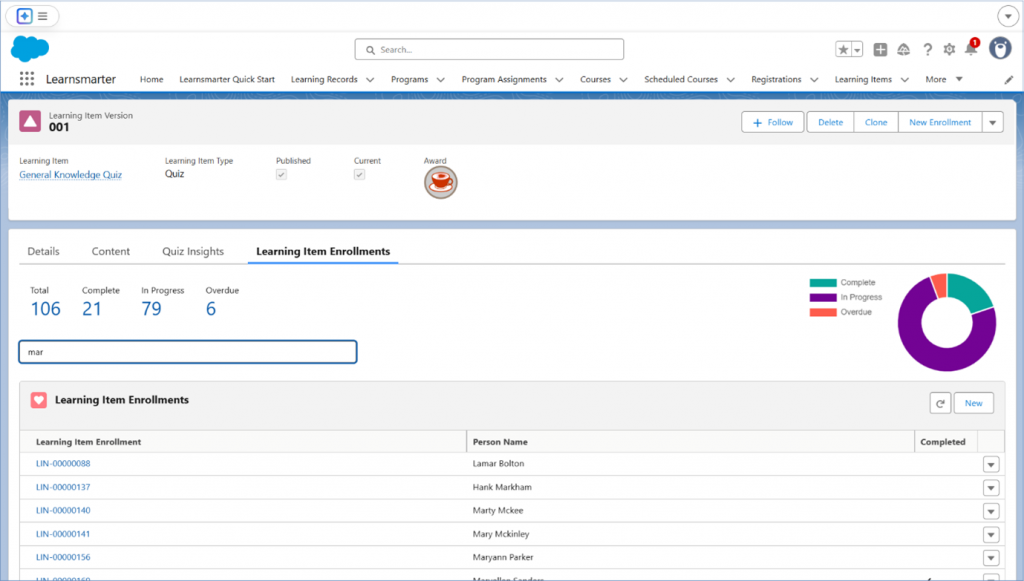
- Advanced search across related objects
- Improved filtering and data visibility
- Built-in analytics for quick insights
- Scalable performance for large datasets
These components can be added to any object, helping teams truly improve Salesforce list views without complex customization.
Case Study: Scaling Compliance Training for Thousands
Scenario:
A company runs compliance training for thousands of employees and tracks enrollments in Salesforce.
Without Learnsmarter:
- Enrollment lists are long and difficult to navigate
- Searching for a learner is time-consuming
- Reports are required for basic insights
- Limited visibility into learner progress
With Learnsmarter:
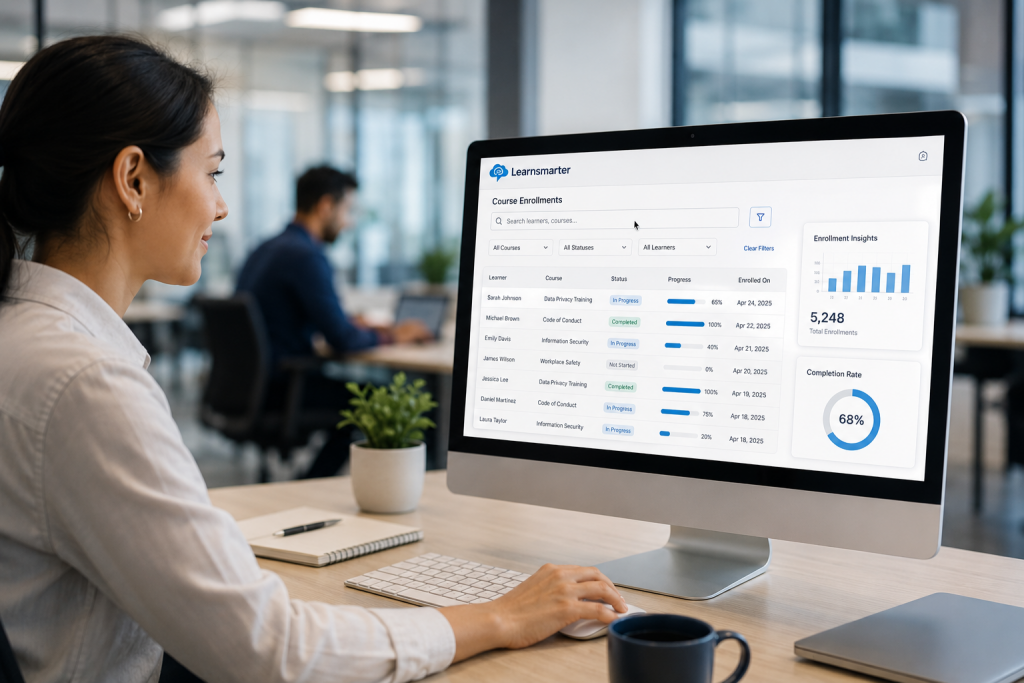
- Admins can instantly search and filter enrollments
- Access meaningful insights directly from the page
- Reduce reliance on reports
- Gain better Salesforce data visibility
Result:
- Faster decision-making
- Improved productivity
- Scalable training management
Handling Large Data Volumes in Salesforce
When datasets exceed 10,000+ related records, performance and usability challenges increase. Learnsmarter is built to handle these scenarios, ensuring consistent performance and usability – even at scale.
Why Your Bottom Line Depends on Better Salesforce UX
Enhancing list views isn’t just about convenience—it directly impacts:
- Productivity – Users spend less time searching
- User Experience – Cleaner, more intuitive interfaces
- Scalability – Systems that grow with your organisation
Organizations that invest in better data visibility gain a significant operational advantage.
While Salesforce provides a strong foundation, its standard list views can struggle with large and complex datasets. By using a scalable learning management Salesforce app like Learnsmarter, organizations can overcome these limitations, improve Salesforce list views, and unlock better data visibility and performance.
Stop fighting your CRM and start using it.
If your training data has outgrown standard Salesforce functionality, it’s time for a smarter view.